 RNDRS
RNDRSFrom massing model to golden hour
A clay screenshot in the client deck never does the work justice. RNDRS takes the massing studies, elevations and back-of-napkin sketches you already have and renders them photoreal — about the time it takes to pour a coffee, all on one canvas you keep iterating on.
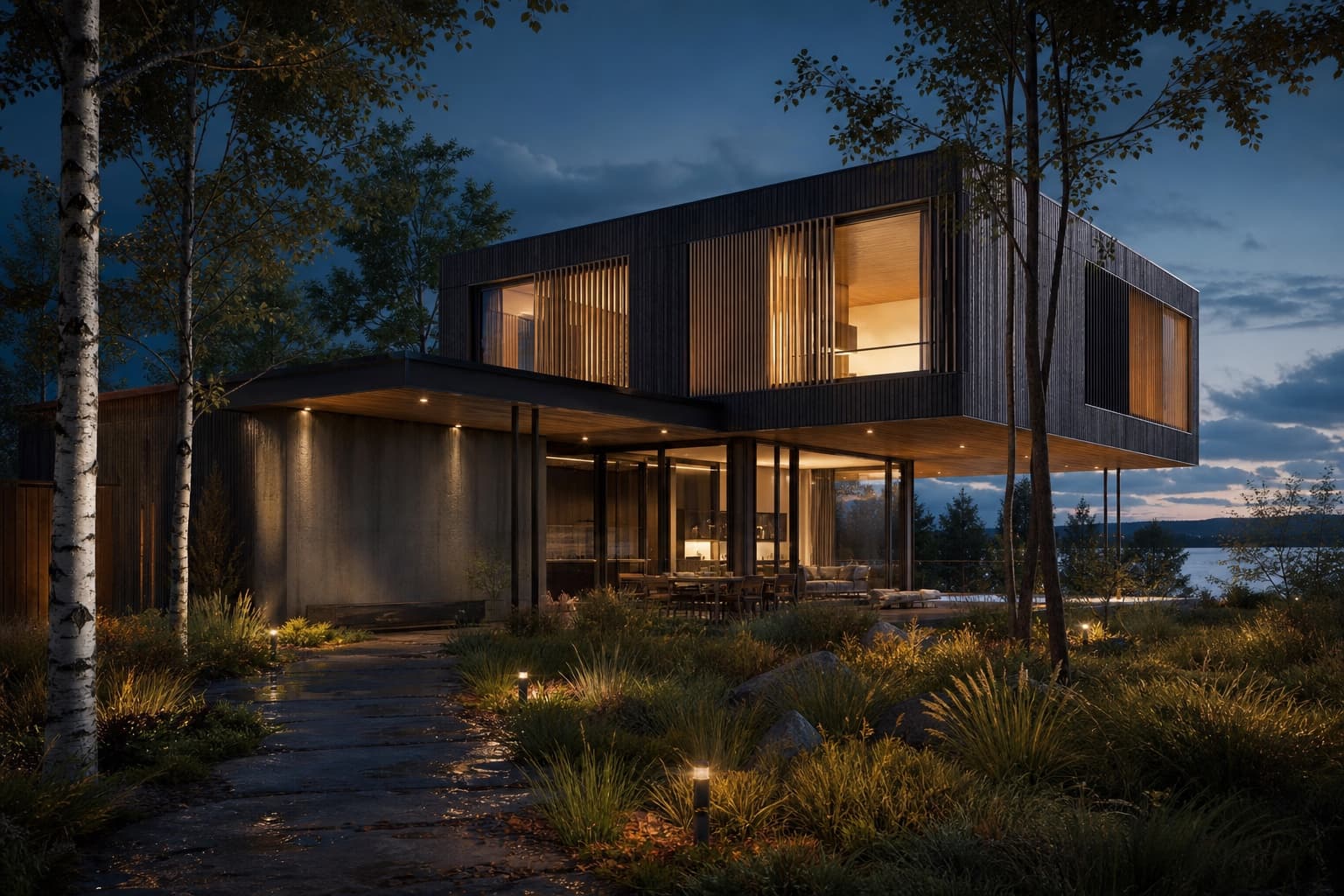
A typical workflow
SketchUp/Rhino screenshot or hand sketch
"Corten and glass, overcast Copenhagen light"
Photoreal in ~11 seconds
Camera push-in for the closing slide
Concept reviews without the render farm
Show three façade options photoreal at tomorrow's review, not next sprint. Iterate materials and light live, in front of the client if you dare.
Every option stays on the canvas
Node-based iterations mean version A, B and C live side by side — wired to the same source model. No more 'final_v7_FINAL.jpg'.
Competition-board ready
Upscale winners to true 4K with studio-grade enhancement. Extend crops into full-bleed hero shots for the board layout.
Frequently asked questions
What architecture inputs work best?
SketchUp, Rhino and Revit screenshots, massing exports, CAD elevations, hand sketches and site photos. If your software can export an image, RNDRS can render it.
Will the AI respect my design?
Yes — our own render engine is trained for geometry preservation, so massing, openings and proportions survive the render. Cleaner inputs give you tighter control over the outcome.
Can I use renders for competitions and client work?
Yes — Studio and Firm plans include a commercial license, and the 4K upscaler produces print-grade board images.
How fast can I iterate options?
About 11 seconds per render. Wire one upload to several render nodes to compare façade or material options side by side on the same canvas.
Keep exploring
Try it on a real project
Upload something you're working on right now. Three renders free — you'll know in two minutes.
Create your studio