 RNDRS
RNDRSComparisons
AI Rendering vs V-Ray and Lumion: Speed, Cost and Quality Compared
June 16, 2026
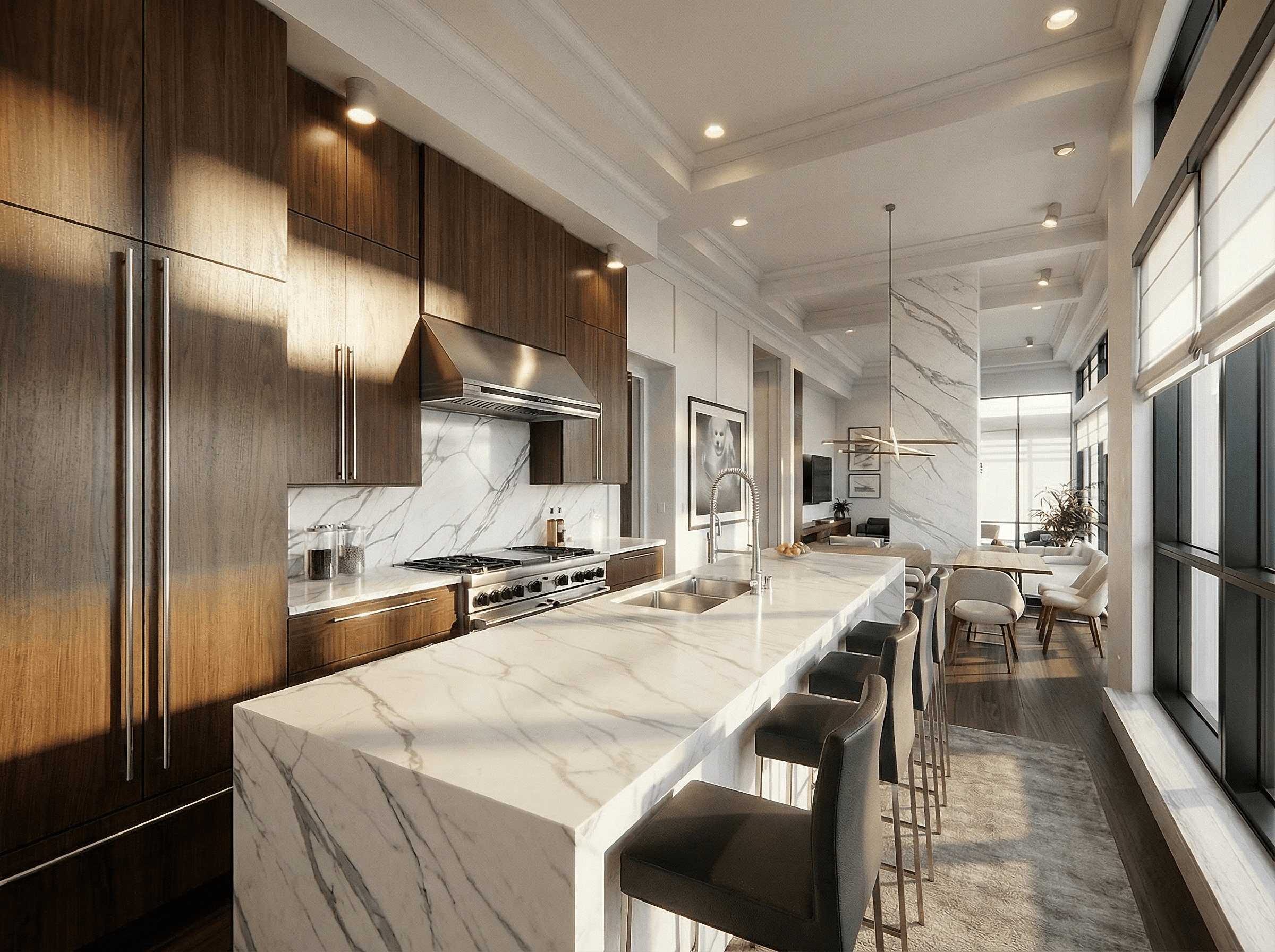
The wrong question is "which is better?" — they're different machines for different moments in a project. The right question is which images in your pipeline still justify simulation. For most practices, honestly, fewer than they think.
The fundamental difference
V-Ray, Corona, Lumion, Enscape simulate light. They need a fully prepared scene — geometry, materials, light sources, entourage — and they compute a physically grounded image from it. Preparation is the real cost: hours per scene before the first frame.
AI rendering generates the image. It needs one viewport export and a sentence, and produces a photographically convincing result in seconds — without the scene ever being "render-ready."
Speed
| Stage | Traditional | AI (RNDRS) |
|---|---|---|
| Scene prep | 1–6 hours | none |
| First image | minutes–hours | ~11 seconds |
| Each iteration | re-render wait | ~11 seconds |
| Ten options | usually impractical | ~2 minutes |
Iteration count is where projects feel the difference. Early design is iteration — and at eleven seconds per cycle, exploring honestly costs nothing.
Cost
A traditional seat is the license plus the workstation GPU plus the skill premium of whoever runs it (or the outsourced studio's day rate). AI rendering inverts each term: from $29/month, runs in the browser on our GPUs, and the skill required is describing what you want.
Quality — the honest part
- Physical accuracy: simulation wins, full stop. If the image is a daylight study or a photometric deliverable, render it in V-Ray.
- Perceived quality of presentation images: AI output now competes directly, and often reads more atmospheric because material weathering, entourage and sky come out coherent by default rather than assembled.
- Repeatability: simulation is deterministic; AI is probabilistic. For an exact-match image family, simulation is steadier — though prompt reuse on a node canvas narrows the gap considerably.
The hybrid workflow that actually wins
What efficient practices converged on:
- Explore in AI. Concepts, massing moods, material directions, client check-ins — dozens of images, zero pipeline.
- Decide with the client on AI imagery. Direction-locking is cheap now; use it.
- Commission simulation for the few finals that need it — the hero exterior for marketing, the compliance imagery. One V-Ray image instead of five, because revisions already happened upstream.
The math: if your viz pipeline produces 50 images per project and 45 of them exist to make decisions, you've been paying simulation prices for decision-support imagery. Stop doing that.
Detailed breakdowns: RNDRS vs Lumion · RNDRS vs V-Ray · all comparisons. Or skip the reading and run your own project through it free.