 RNDRS
RNDRSFrom BIM view to client-ready
Revit is built for documentation, not seduction. RNDRS turns exported 3D views, elevations and even shaded axons into photorealistic images your client responds to — without round-tripping through 3ds Max or waiting on the visualization team.
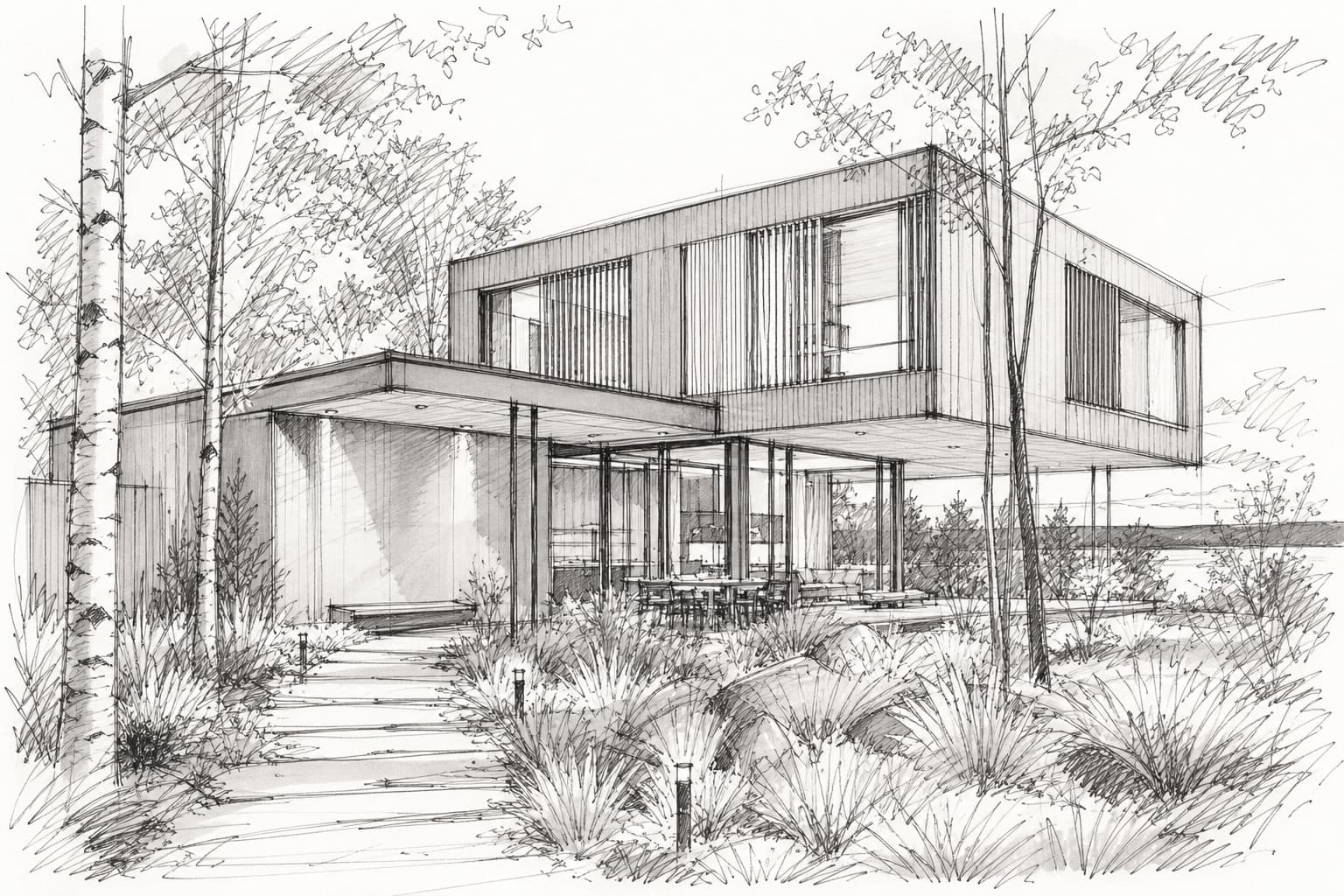
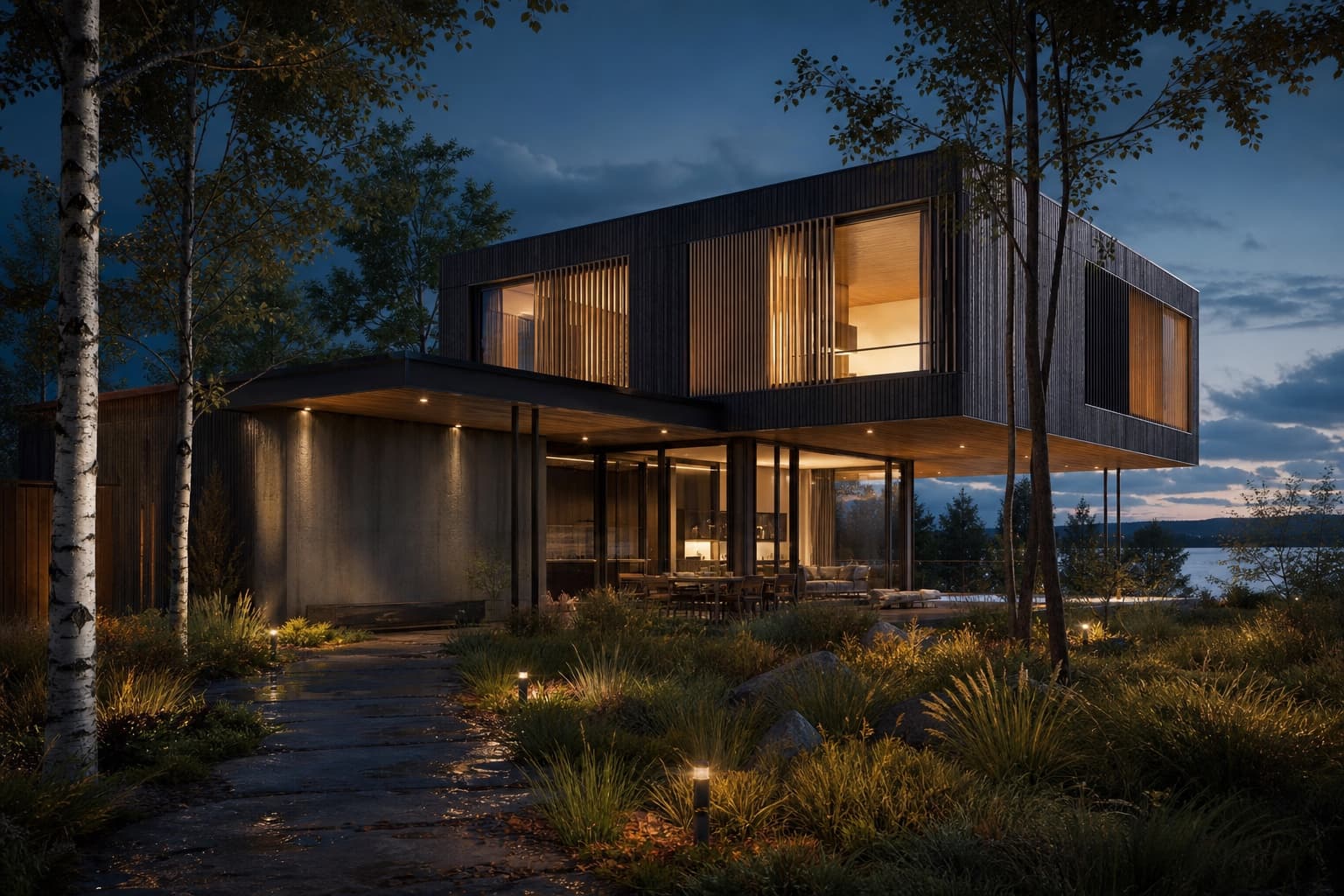
Drag to compare — one upload, one wire, eleven seconds
From Revit to photoreal
Any 3D view or camera view as PNG — shaded or realistic style both work
Drop it on the canvas, straight from your BIM workflow
"Brick and zinc, residential street, soft autumn afternoon"
Photoreal render with your BIM geometry intact
Design intent, not documentation
Your model is already accurate — RNDRS adds the atmosphere. Show stakeholders what the building feels like at design development, not just what the wall schedule says.
No 3ds Max round-trip
Skip the export-link-material-render pipeline. A screenshot of the Revit viewport is enough; the AI handles materials, lighting, landscape and people in one pass.
Phase and option studies
Render design options from the same view with different prompts — materials, massing context, time of day — and present them side by side from one canvas.
Frequently asked questions
Does RNDRS integrate with Revit directly?
RNDRS works from exported images, so it fits any Revit version without add-ins. Export a 3D view (or print-screen the viewport), upload, and render. IFC/model upload isn't required.
Will my BIM geometry stay accurate in the render?
Yes — the AI preserves the structure of the exported view. Openings, massing and proportions match your model; the prompt only drives materials, context and lighting.
Can I render Revit elevations and sections?
Yes. Flat elevations render especially well as material and facade studies, and sections can be rendered into atmospheric sectional perspectives.
Is this faster than Enscape or Twinmotion from Revit?
Real-time engines need a synced, materialed model. RNDRS needs one screenshot — for early-stage options and client check-ins it's typically the fastest path from Revit view to photoreal image.
Keep exploring
Render your next Revit project tonight
Upload something you're working on right now. Three renders free — you'll know in two minutes.
Create your studio