 RNDRS
RNDRSTools
The Best AI Tools for Interior Designers in 2026
June 16, 2026
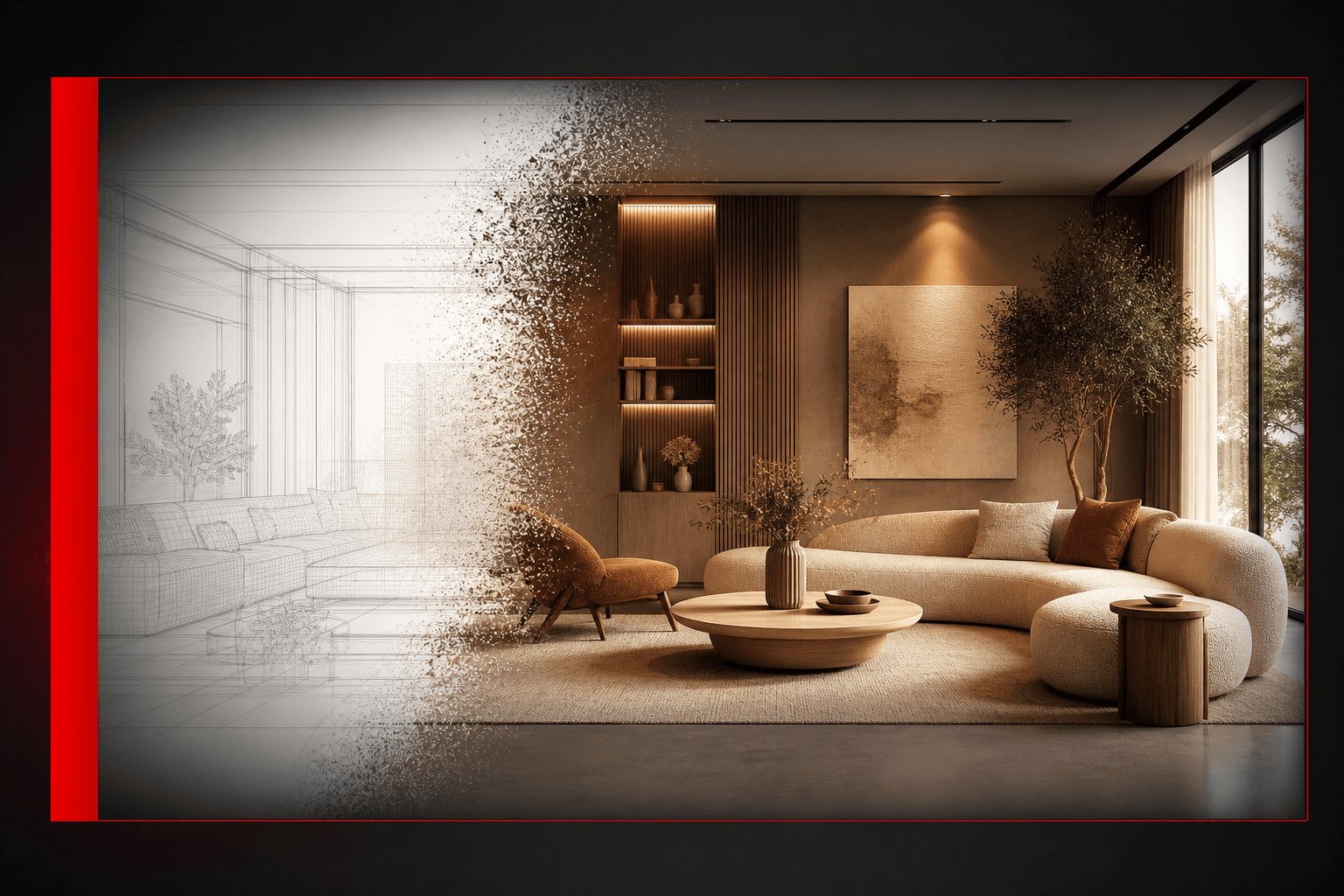
Interior design got the best end of the AI deal: the work is image-heavy, iteration-heavy and client-emotion-heavy — exactly what AI tooling accelerates. Here's the toolkit that earns its place in 2026, organized by job.
Rendering the scheme
Interior AI rendering turns CAD views, SketchUp exports, sketches — even photos of the empty room — into fully styled photoreal interiors. The workflow that changes client meetings: wire one room view to three render nodes (Japandi / classic / industrial), present side by side, let the client point. Eleven seconds per option.
Prompting tip: name materials and light, not adjectives. "Oak herringbone, bouclé sofa, travertine coffee table, warm afternoon light" beats "cozy modern living room" every time.
Working from site photos
Two tools that pair constantly:
- AI eraser: brush out the seller's furniture, clutter and cables from site photos. The background — floors, walls, skirting — rebuilds itself cleanly.
- Render on the cleaned plate: your scheme lands on the actual room, same camera angle. The resulting before/after pair is the most persuasive image in residential work.
Virtual staging
AI virtual staging furnishes empty rooms photorealistically from one photo — furniture sits in the room's true perspective and takes its real light, which is what separates credible staging from the pasted-catalog look. Restyle for different buyer profiles in seconds each. (Disclose staging per your local listing rules.)
Finishing for deliverables
- 4K upscaler: sharpen renders for print portfolios and large-format presentation.
- Image extender: outpaint a tight render into the wide crop your layout needs.
- Image to video: a slow cinematic pan across the hero interior — movement sells the feeling of a space like nothing else in a deck or reel.
What about general AI tools?
ChatGPT for client emails and concept narratives, Midjourney for loose moodboard fragments — useful at the edges. But generic image models drift on real projects: furniture floats, perspective bends, materials smear. For anything a client will see as the design, architecture-tuned tools that preserve your actual room geometry are the difference between a render and a liability.
The practical stack
One canvas covering render + erase + stage + upscale + video (RNDRS, from $29/mo) handles the visual pipeline end to end; the node structure means your "site photo → declutter → render → 4K" chain is saved and reusable on every project. Three free renders — try it on the room you're working on today.