 RNDRS
RNDRSWorkflows
From Clay Render to Photorealistic: The 11-Second Workflow
June 16, 2026
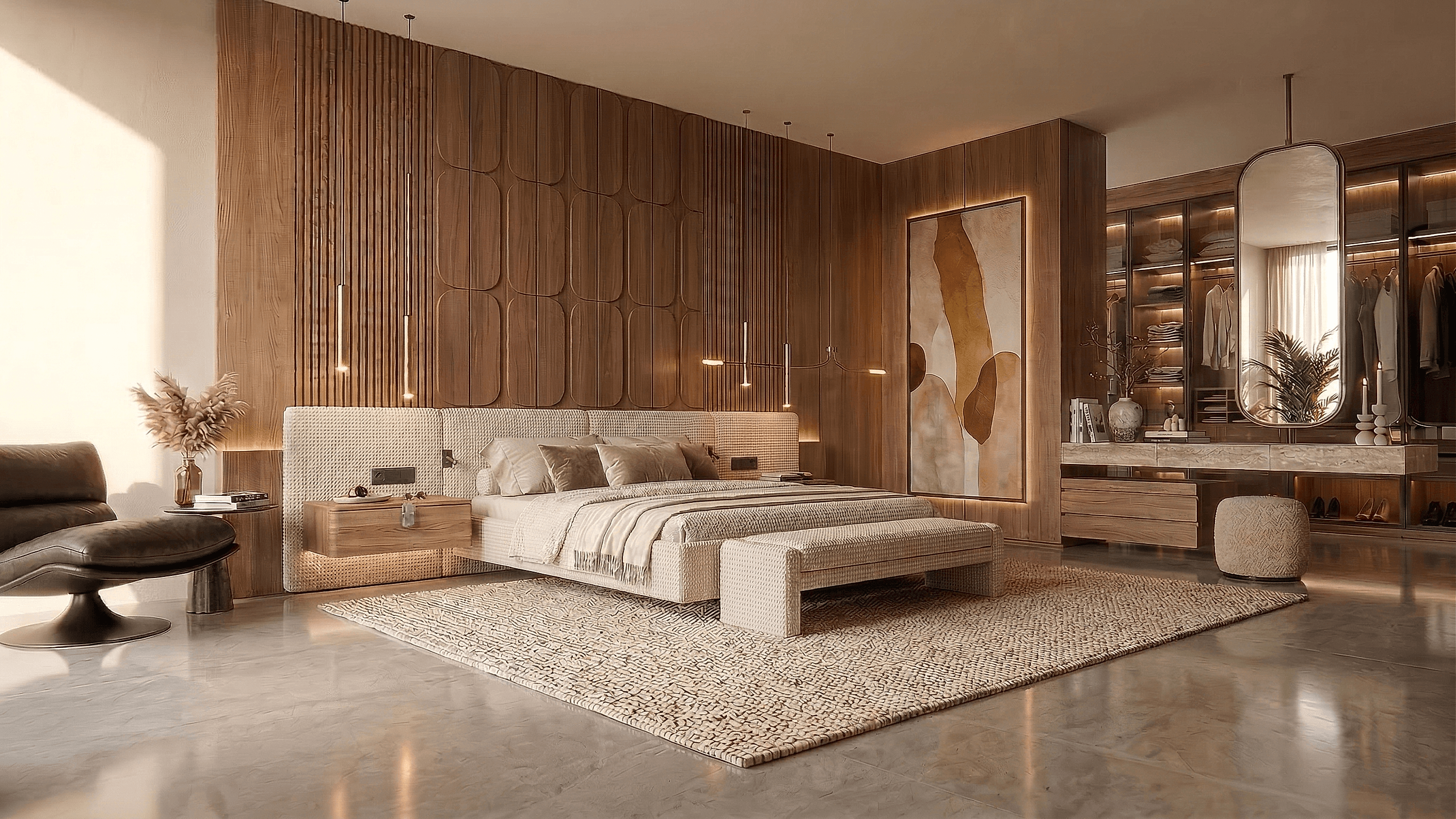
Every 3D workflow produces clay renders on the way to somewhere else — the white massing study, the untextured SketchUp view, the arctic Rhino capture. The counterintuitive truth of AI rendering: that clay state isn't an unfinished input. It's the best input.
Why clay beats textured
An AI rendering model balances two sources of truth: the geometry in your image and the materials in your prompt. A clay model gives it perfectly unambiguous geometry — every edge, opening and shadow reads cleanly — and leaves material authority entirely to you. A half-textured model is worse than either extreme: the model tries to honor your placeholder brick, and you get a render arguing with itself.
The practical consequence: stop texturing for previews entirely. Material decisions move into the prompt, where changing your mind costs eleven seconds instead of a remapping session.
The workflow
1. Capture clean
From SketchUp: monochrome style, two-point perspective. From Rhino: arctic or shaded ViewCaptureToFile. From Revit or Blender: any clean shaded view. 1500px+, no guides or section planes.
2. Render the mood first
First prompt establishes direction, not detail: "Housing block, warm brick, residential street, soft overcast". Evaluate massing-in-context, not material minutiae.
3. Branch the material study
Wire the same clay export to three or four render nodes on the RNDRS canvas:
- "...glazed white brick, bronze window frames..."
- "...corten panels, charred timber entrance..."
- "...pale lime render, oak shutters..."
Same geometry, same light, isolated material variable — a legitimate comparison study, generated in under a minute total.
4. Lock and refine
Take the winning direction and tighten the prompt with the specifics that matter: ground-floor articulation, roof material, landscape character, time of day.
5. Finish to deliverable
4K upscale for boards → extend if the layout needs a wider frame → 5-second camera move for the presentation close.
Where this lands in real projects
- Concept design: every massing option photoreal at the review, not just the one someone had time to render.
- Competitions: the option space explored visually before committing modeling hours.
- Client changes: "what would it look like in brick?" answered in the meeting, from the same clay export, in eleven seconds.
The whole pipeline — clay capture to 4K board image — is minutes. The clay render you made today is already the input; run it free.