 RNDRS
RNDRSRestyle any room in eleven seconds
Clients don't read floor plans — they feel rooms. RNDRS turns your CAD views, site photos and moodboard scraps into photoreal interiors, then lets you swap materials, palette and light by editing a sentence — no re-modeling, no re-shoot.
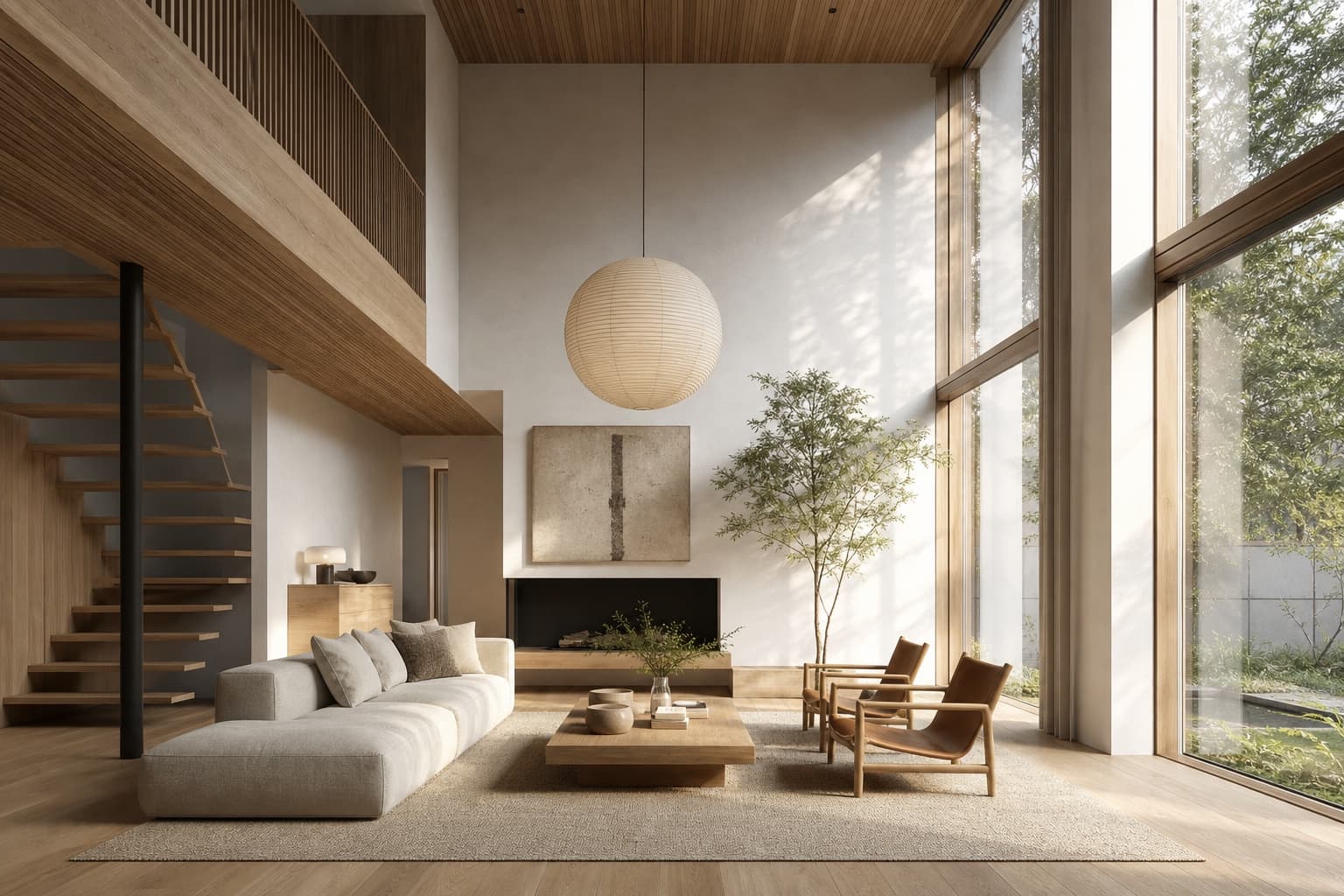
A typical workflow
Site photo or 3D view of the room
Clear existing furniture and clutter
"Japandi, oak, linen, morning light"
4K for the client presentation
Material boards that live in the room
Test oak vs walnut vs micro-cement on the actual project photo. Wire one upload to three render nodes and compare side by side.
Declutter and stage instantly
The AI eraser removes the seller's furniture from site photos. Then render your scheme straight onto the empty room.
Sell the feeling, not the spec
Animate your hero interior with a slow cinematic pan. Nothing closes a client like movement and golden light.
Frequently asked questions
Can I work from a photo of the existing room?
Yes — that's the core workflow. Erase the existing furniture with the AI eraser, then render your scheme directly onto the cleared room.
Do I need 3D modeling skills?
No. Photos, CAD views and even moodboard sketches all work as inputs — describe the materials, palette and light in the prompt.
Can I compare several material palettes?
Wire one upload to multiple render nodes with different prompts. The options stay side by side on the canvas, connected to the same source.
Is the output client-deck quality?
Standard renders are 1K/2K; the upscaler takes winners to 4K. Studio and Firm plans include a commercial license for client work.
Try it on a real project
Upload something you're working on right now. Three renders free — you'll know in two minutes.
Create your studio