 RNDRS
RNDRSRooms styled, lit and rendered in seconds
Clients don't buy floor plans — they buy the feeling of a finished room. RNDRS turns interior CAD views, sketches and bare site photos into photorealistic interiors, then lets you restyle materials, furniture character and light by editing a sentence.
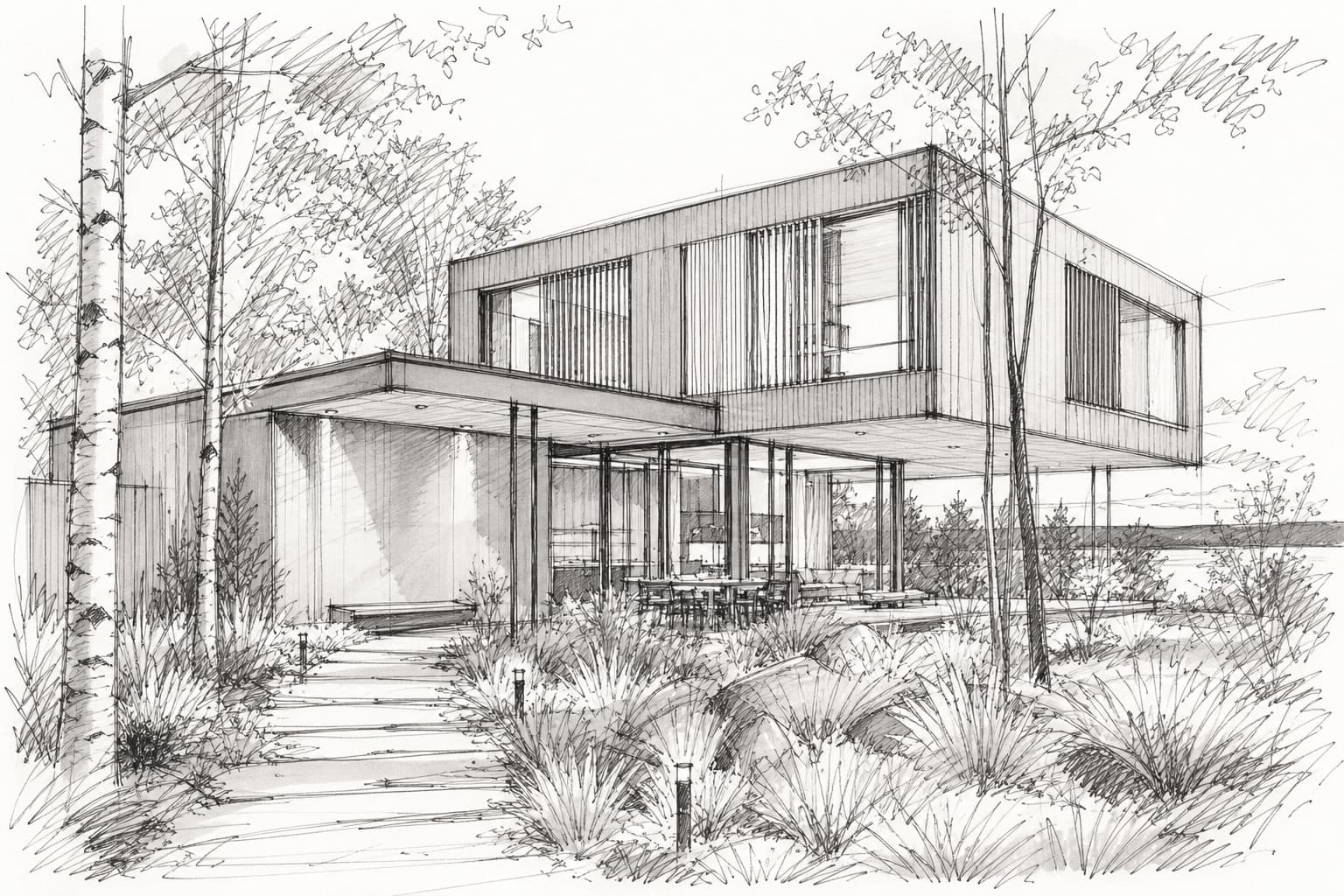
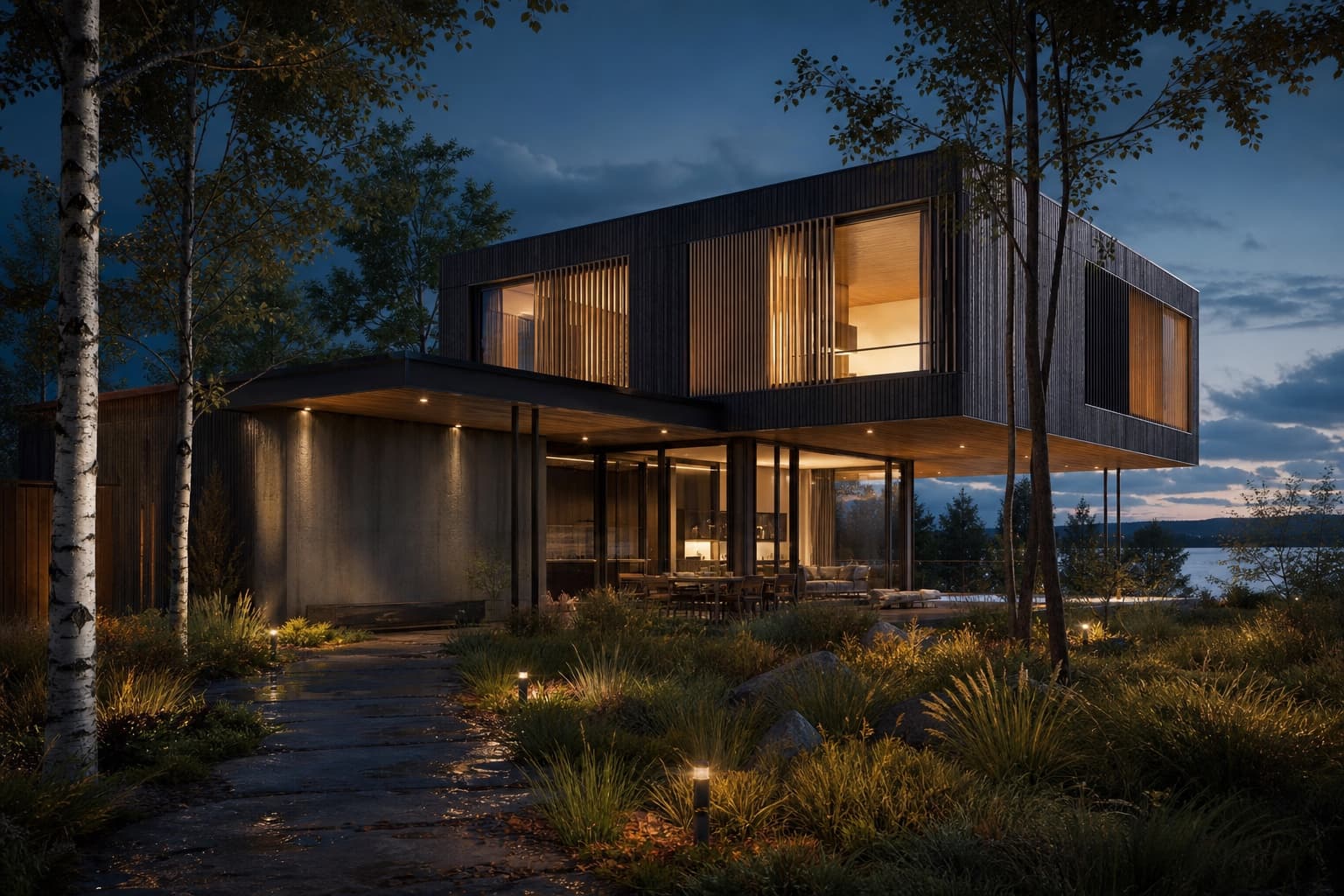
Drag to compare — one upload, one wire, eleven seconds
How it works
Interior CAD view, sketch or photo of the empty space
"Japandi living room, oak, linen, warm afternoon light"
Fully styled photoreal interior in ~11 seconds
Swap palette or style per node — compare side by side
Material boards in context
Stop gluing samples to foam board. Render walnut vs oak vs micro-cement in the actual room and let the client react to the space, not the swatch.
From site photo to scheme
Photograph the existing room, erase the clutter with the AI eraser, then render your design straight onto the real space — the most convincing before/after a client can see.
Light is a one-word edit
Morning light, candlelit evening, gallery-grade neutral — relight the same scheme instantly to show how the room lives across the day.
Frequently asked questions
What inputs produce the best interior renders?
SketchUp/Blender viewport exports, CAD perspective views, hand sketches and straight-on photos of real rooms all work well. Wide-angle views with visible floor and ceiling give the AI the most to work with.
Can I keep my furniture layout?
Yes — the AI preserves the structure of the input view, including furniture placement, and restyles finishes and character per your prompt.
Does it work for kitchens and bathrooms?
Yes — cabinetry, stone, tile and fixtures render convincingly. Name the materials and hardware character in the prompt for precise control.
Can I show a client multiple styles of the same room?
That's the core workflow: wire one upload to several render nodes — Japandi, classic, industrial — and present them side by side from a single canvas.
Keep exploring
Try it on a real project
Upload something you're working on right now. Three renders free — you'll know in two minutes.
Create your studio