 RNDRS
RNDRSComparisons
The Best AI Rendering Software for Architects in 2026
June 16, 2026
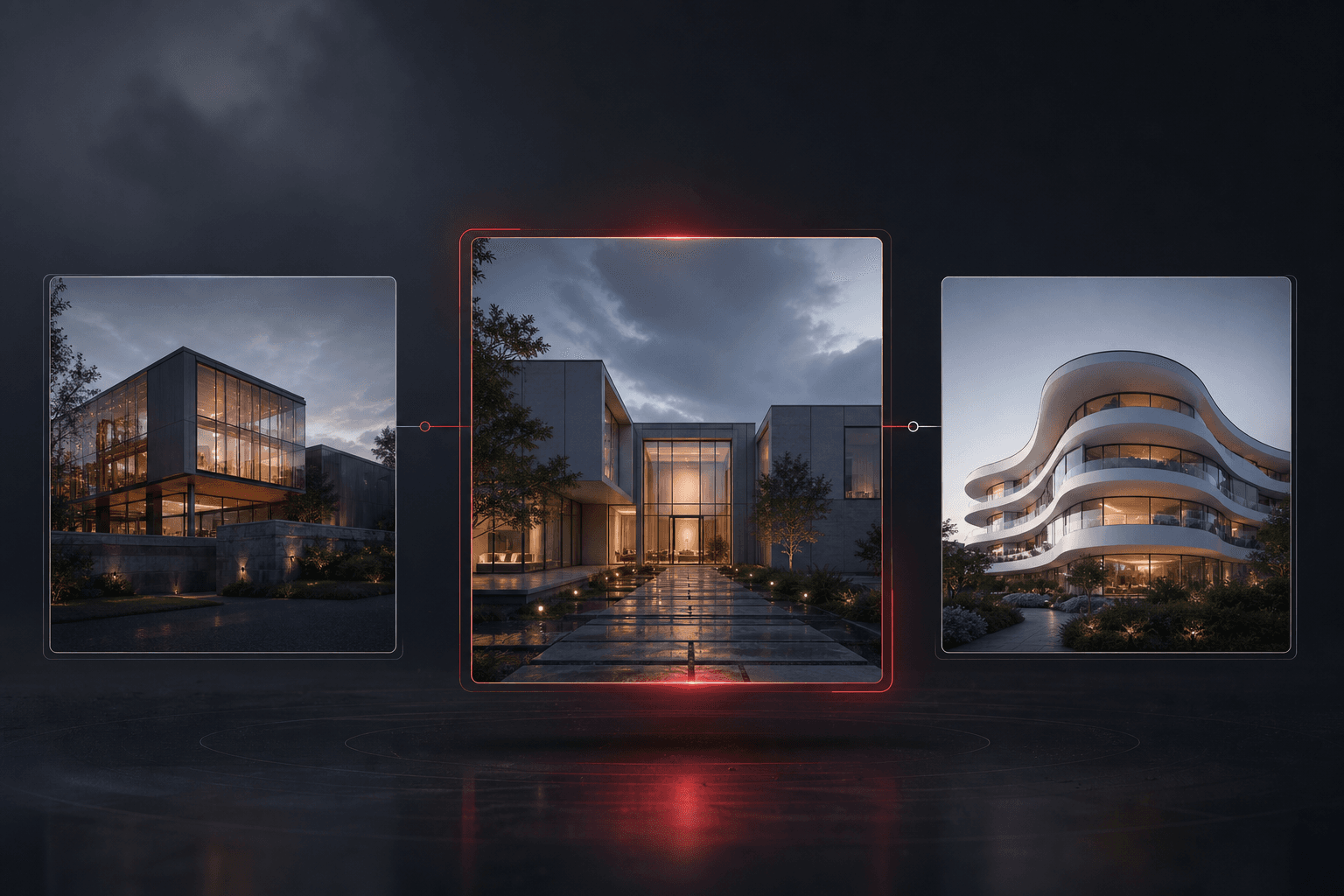
AI rendering crossed a threshold: it's no longer the experimental thing one person in the office plays with — it's how concept imagery gets made. But the tools differ more than their landing pages suggest. Here's how the landscape actually breaks down in 2026.
What "AI rendering" means now
All of these tools share the same core move: you upload an image — a sketch, a viewport export, a photo — and a model generates a photorealistic version guided by a text prompt. The differences that matter in practice are:
- Geometry fidelity. Does your massing survive, or do windows multiply and storeys merge?
- Workflow depth. Is it one-shot generation, or can you iterate, edit, upscale and animate in one place?
- Professional output. 4K? Commercial license? Consistent enough for a client-facing image family?
The shortlist
RNDRS — node-based workflows
RNDRS treats rendering as a workflow, not a slot machine. Everything happens on a node canvas: wire one SketchUp export to three render nodes to compare claddings, chain an AI eraser before the render, push the winner through the 4K upscaler and an image-to-video node for the closing slide. Built by the team behind mnml.ai (2.4M+ users), tuned hard for geometry preservation. From $29/mo, 3 free renders to start.
Best for: practices that iterate — which is all of them.
mnml.ai — the established generalist
The biggest user base in the category and a broad toolset covering exterior, interior, masterplan and virtual staging. A solid default with years of architecture-specific tuning behind it.
Best for: designers who want a proven, broad toolkit.
Rendair — chat-driven editing
Rendair pairs rendering with a chat interface for iterative edits, plus upscaling and video tools. Pleasant single-image flow; options management across many variants is more manual.
Best for: designers who prefer conversational editing.
MyArchitectAI — one-click simplicity
The fastest path from upload to single render, with deliberately minimal controls. Great first taste of AI rendering; less to offer when you need option studies or a full image pipeline.
Best for: quick single renders with zero learning curve.
ArchiVinci — modular specialist
Separate modules for exterior, interior, plan and masterplan inputs. Capable output, but you do the module-matching homework before each render.
Best for: users who like explicit mode selection.
How to choose
- Test geometry fidelity first. Upload the same massing export to each candidate with the same prompt. Disqualify anything that redraws your design.
- Count your iterations honestly. If you typically explore 5–20 options per image (you do), workflow tools beat one-shot tools on time within a week.
- Check the full pipeline. Renders need erasing, extending, upscaling and animating. Tools that stop at generation push that work into Photoshop.
- Use the free tiers. Every serious tool gives you free renders. An afternoon of testing on a live project answers more than any comparison post — including this one.
The honest summary: traditional engines (compared here) still own physically exact finals, and AI tools now own everything before that — concepts, options, client reviews and most presentation imagery. The practices winning time are the ones that stopped treating those as the same job.