
Comparisons
Choosing AI Rendering Software for Architectural Work in 2026
June 16, 2026
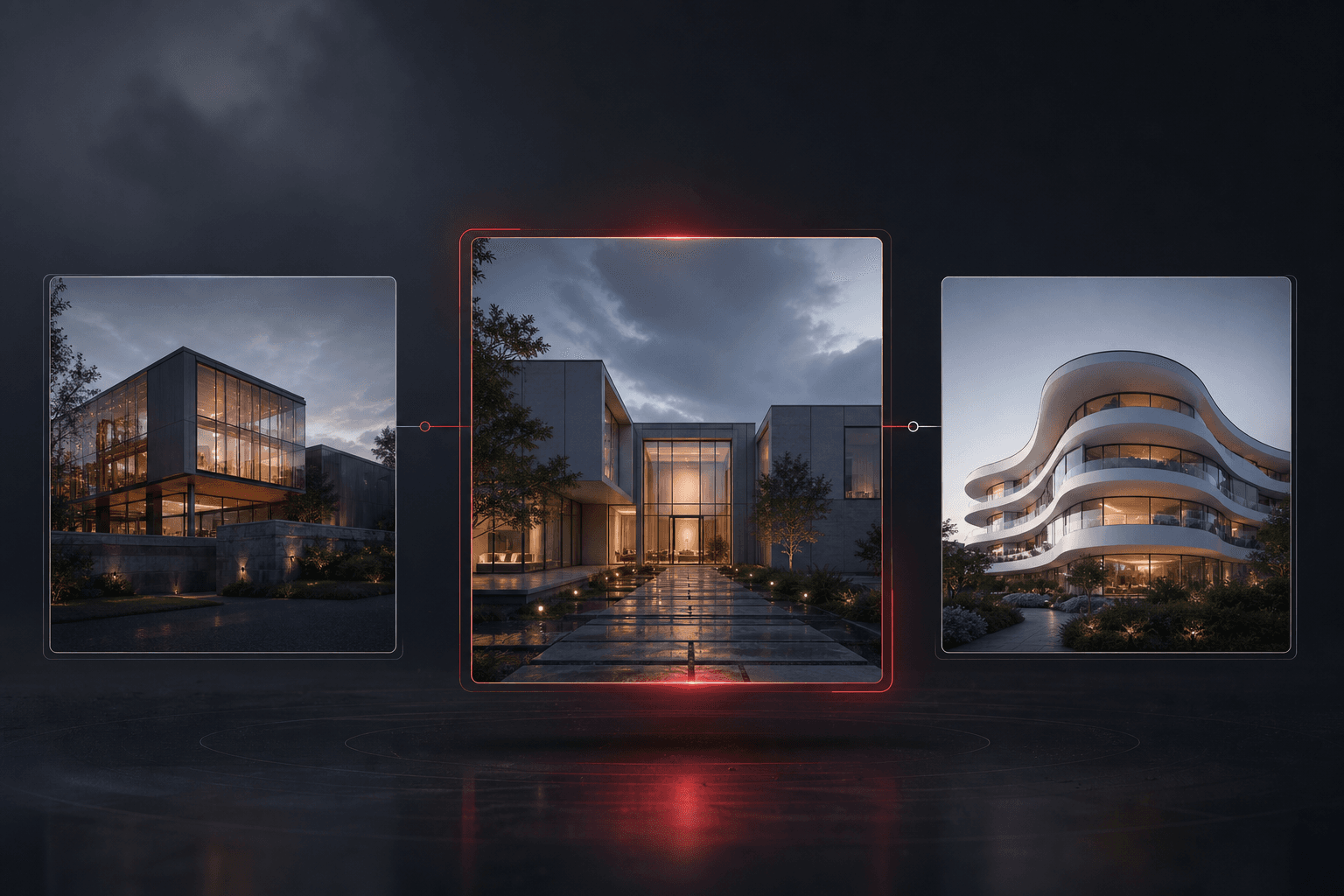
The best rendering tool depends on the decision you need to make. An early material study, a model-coordination walkthrough and a final marketing image have different requirements. A single speed ranking does not resolve those differences.
Start with your input and deliverable
If you have a sketch or viewport export and need a concept image, test an image-based workflow. If you need repeatable cameras and geometry across views, compare tools that retain the underlying 3D scene. For measured or contractual requirements, verify the specific simulation and documentation workflow separately.
Run a useful comparison
Use a source you have permission to process. Give every candidate the same instruction and fixed constraints. Keep failed attempts as well as the attractive result. Record:
- Whether openings, silhouette and camera remain usable.
- Whether the requested material or furnishing change is recognizable.
- How much correction and selection work the result needs.
- Actual output dimensions, processing time and total cost across attempts.
- Whether saved projects, exports and recovery work for your team.
Avoid treating a vendor sample as evidence that your project will behave the same way.
Where RNDRS fits
RNDRS Studio works from supplied images and references. Its project workflow includes revisions, bounded alternatives, comparison, saved context and exports. Generated fidelity still needs review; RNDRS does not turn an image into an accurate editable building model.
For different workflows, consult the current official descriptions of Enscape and V-Ray. Check supported host applications, hardware and licensing on the vendor's site before choosing.
Use RNDRS pricing and the in-product quote for current costs. Try a representative task and compare useful results, not just the first output.
Try this workflow yourself
Studio is available to everyone. Check pricing for the current credit allowance and action costs.
Start free