 RNDRS
RNDRSComparisons
Top Lumion Alternatives for Architects in 2026
June 16, 2026
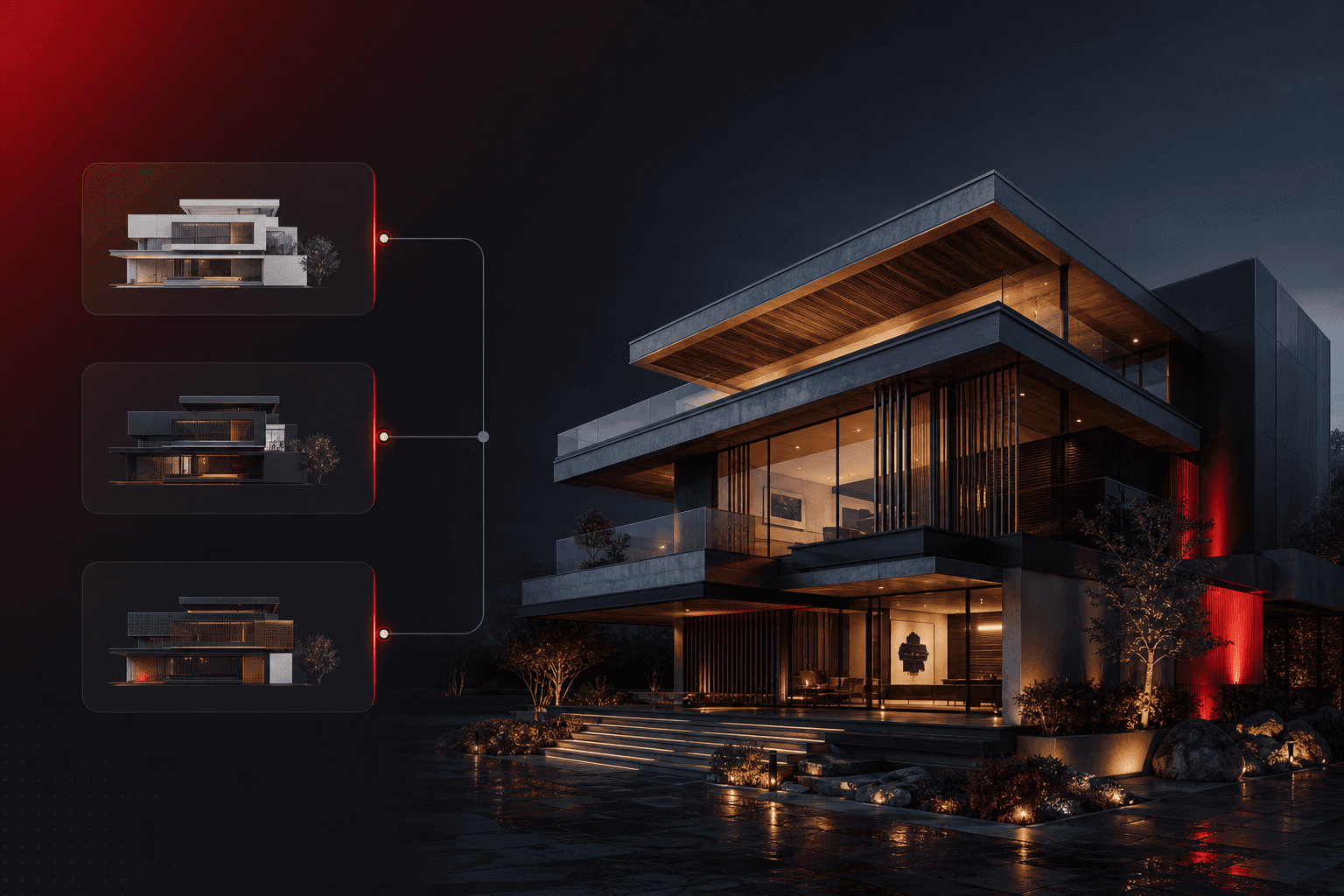
Lumion earned its place: fast real-time results and a huge asset library. But the reasons people search for alternatives are consistent — the workstation-class GPU requirement, per-seat annual pricing, Windows-only, and hours of scene dressing per polished image. Here's the field in 2026.
1. RNDRS — AI rendering, no hardware, no scene prep
The structurally different alternative: instead of simulating a dressed scene, RNDRS generates photoreal images from plain viewport exports. No GPU on your side, browser-based (Macs welcome), and materials/landscape/people come from a prompt instead of a library. Node canvas chains rendering, erasing, upscaling and video. From $29/mo with 3 free renders. The trade: you direct with words, not by placing each asset. Full comparison: RNDRS vs Lumion.
Choose it for: stills, option studies, client imagery, speed — on any machine.
2. Twinmotion — the budget real-time engine
Unreal-based, much cheaper than Lumion, decent libraries. Still needs a gaming-class GPU and the same dress-the-scene labor; the output has a recognizable real-time flavor.
Choose it for: real-time walkthroughs on a budget, Datasmith pipelines.
3. D5 Render — the ray-traced challenger
Arguably the prettiest real-time output right now, with a generous free tier. Hard requirements: Windows + NVIDIA RTX. Mac studios are out.
Choose it for: RTX-equipped Windows shops producing showcase animations.
4. Enscape — the BIM-native plugin
Lives inside Revit/SketchUp/Rhino/Archicad with live sync. Per-seat subscription plus GPU per seat. Excellent for design-phase navigation; stills are clean but rarely atmospheric.
Choose it for: live model walkthroughs during BIM coordination. (RNDRS vs Enscape)
5. V-Ray — when quality is the spec
Not really a Lumion alternative — a different league of physical accuracy with a matching learning curve and render times. The right tool when the image is a deliverable specification. (RNDRS vs V-Ray)
How to actually decide
- Mac office? That removes Lumion and D5 immediately. RNDRS and browser tools are the path.
- Mostly stills and decks? AI rendering covers it at a fraction of the cost and time.
- Long animated flythroughs? Stay real-time: Twinmotion or D5.
- Mixed? The increasingly standard stack is AI for the daily flow of images plus one real-time/simulation seat for films and hero finals.
Cheapest experiment first: export a current model view and render it free in RNDRS — you'll know in two minutes whether the AI path fits your work.