
Workflows
From Node-Based Workflows to RNDRS Studio
June 16, 2026
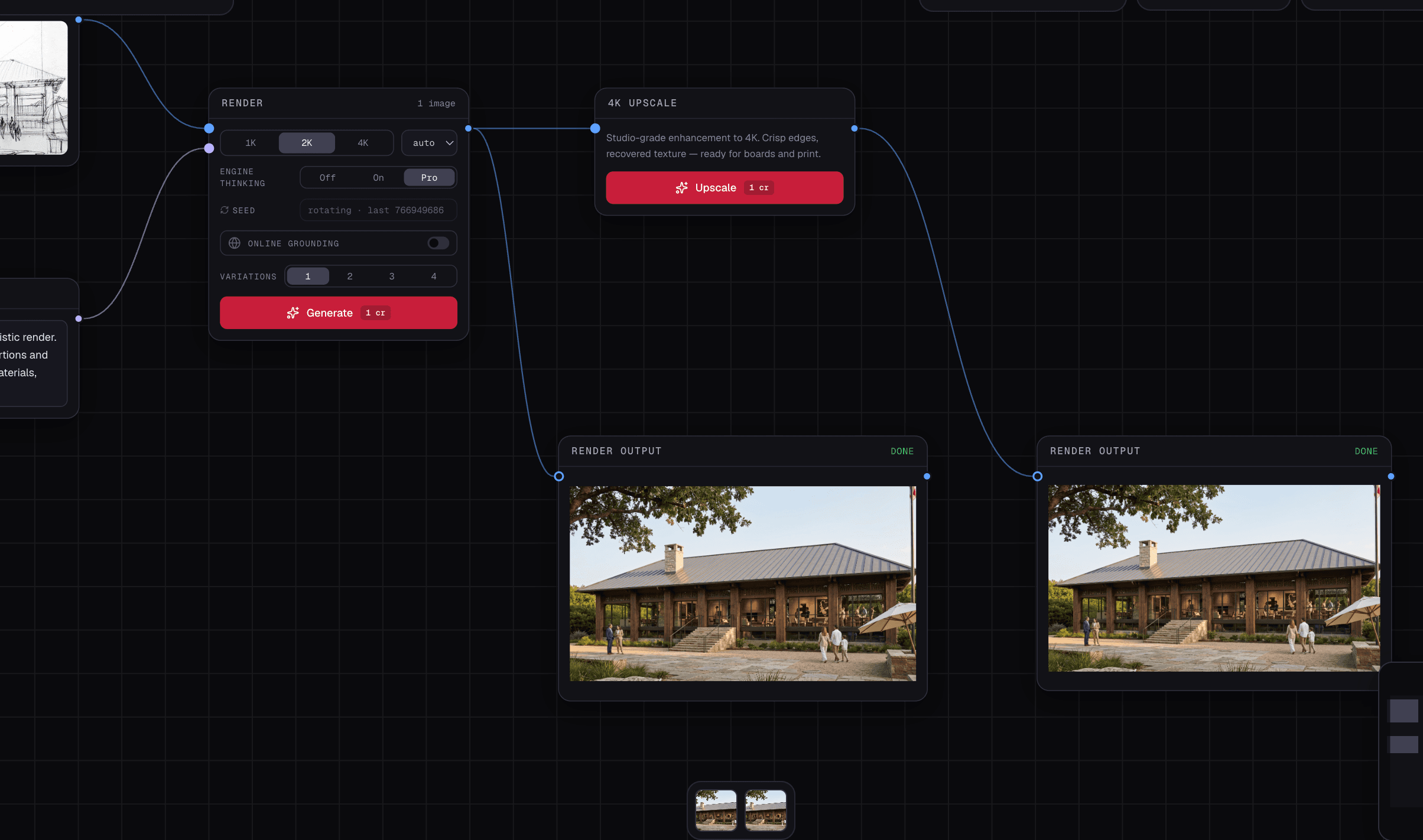
Earlier RNDRS articles described a node canvas: uploads and operations connected as a visible graph. Studio is now the promoted interface. You can work on a selected image and describe the next task without constructing nodes.
This change does not make source history less important. A useful design workflow still needs to show which image was edited, what changed, and which result should be retained.
Keep the source explicit
The selected source is the starting point for the next result. A reference has a separate role, such as materials or furniture. Check both before submitting, especially when several similar versions exist in the project.
Build alternatives from the same parent
Two or four alternatives can share a source and brief. A controlled study names one attribute and specifies a value for each option. Generated adherence needs review; the option number alone does not guarantee an isolated physical variable.
Continue a useful result
Select a result to revise it, compare it with its source, and name the version you want to retain. Save the relevant brief and references in the project's context. A saved direction is scoped to the project and chosen space/view; it should not silently change an unrelated design.
Finish without losing the history
Export an original image, a comparison board or a selected set. Source-aware upscale and animation have their own quotes and limits. Private reviews collect feedback on selected images; a preference or comment is not automatically contractual approval.
Existing project data is retained under the Studio-only product direction. Historical node instructions should not be treated as the current onboarding path.
Open a design task in Studio and review the selected image before your next action.
Try this workflow yourself
Studio is available to everyone. Check pricing for the current credit allowance and action costs.
Start free