
Seasons on demand
Render the same scheme in June bloom and February structure. One upload, two prompts, both views on the same canvas.
RNDRS for Landscape architects
Explore planting character, materials and seasonal atmosphere from a site photo or model view. Plans and sections can guide conceptual images; keep botanical and dimensional decisions in your project documentation.
AI rendering that works from the image you already have — a sketch, a model view, a photo. Ask for the change, keep every version. In the browser, no plugin, no GPU. From $19 a month, or $99 once — credits never expire. 5 free renders. No card. Failed renders are refunded automatically.
Studio is available to everyone. Create an account to get started.
Open Studio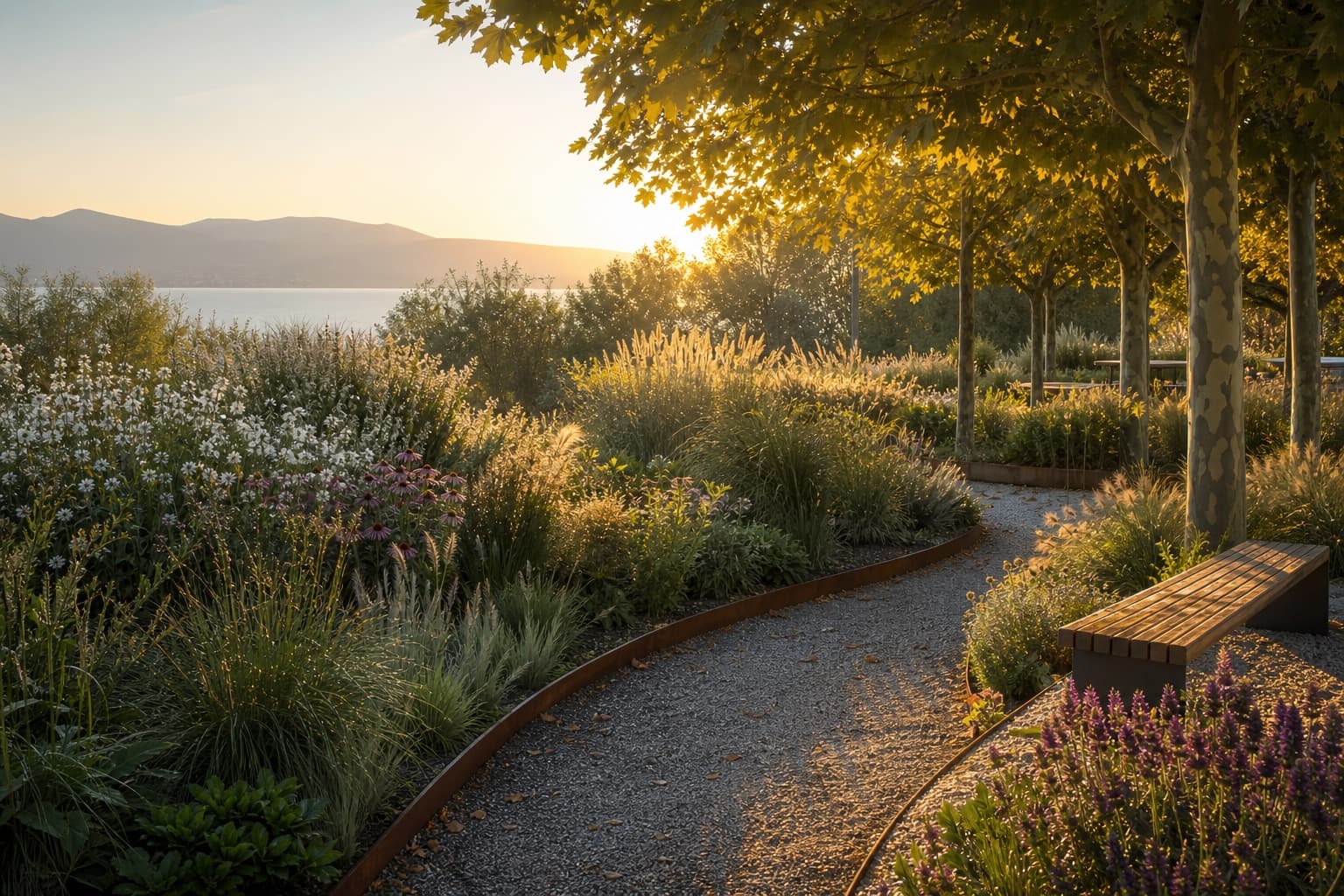
Keep the source, your instruction and the result together. Review each change before continuing.
Plan, section or site photo
"Native meadow, mature birch, late summer"
Photoreal landscape view
Widen into a full panorama
Choose the workflow around the image you need to deliver and the control your project requires.
Render the same scheme in June bloom and February structure. One upload, two prompts, both views on the same canvas.
Use an exported eye-level model view for a grounded starting point. Views inferred from a flat plan are conceptual and need review against your site design.
Explore a mature planting character for discussion. Generated canopy size is an illustration, not a species-specific growth forecast.
You can use a planting-plan image to explore a conceptual visualization. For a specific eye-level composition, provide a site photo or exported model view. AI does not reconstruct measured site geometry from a plan.
One upload, several prompts: June bloom, autumn color, February structure. Generate each season from the same source and compare the results.
Describe established planting to explore a visual character. Check species, size and spacing yourself; RNDRS does not calculate growth over time.
See pricing for the current starting allowance and action availability. Use a project image to evaluate the result against your own requirements.
Upload something you are working on. Explore a direction in Studio, then refine it against your original.