
Guides
AI Rendering for Landscape Architecture: A Practical Workflow
June 16, 2026
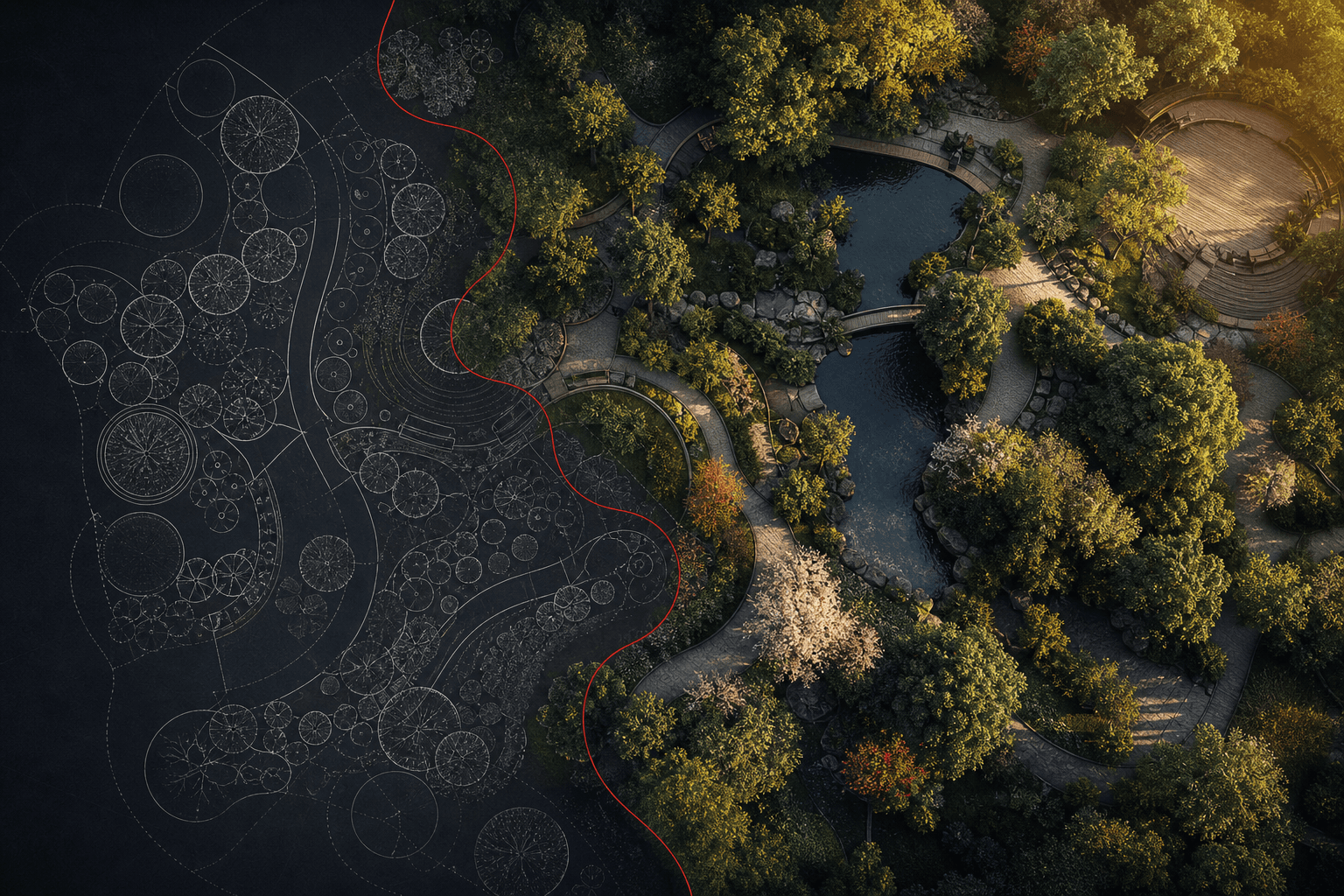
Landscape visualization often needs to communicate a planting idea before a detailed planting model exists. An image-based study can help discuss character, enclosure and seasonal appearance. It cannot establish species suitability, future growth or surveyed geometry.
Choose a source that answers the question
Use a site photograph for a change to existing conditions, a model viewport for a proposed spatial arrangement, or a perspective sketch for an early concept. A planting plan alone leaves eye-level height and camera placement uncertain. When starting from a plan, identify the intended space and camera and treat the perspective as an interpretation.
Describe planting character
Name the visible characteristics you want to explore: loose perennial drifts, a clipped hedge, multi-stem trees, or open meadow. Add the season and light condition. For example:
Explore loose meadow planting beside the path in late summer. Keep the path width, building openings and camera unchanged.
A generated image may suggest a species without depicting it accurately. Keep species schedules, ecological requirements and maintenance decisions in the project documentation.
Compare one change at a time
Use the same source for a summer and winter study. Hold camera and built elements fixed in the instructions, then inspect both results. Check plant scale, visibility, path continuity and unintended changes to neighboring buildings. Prompted maturity is a visual hypothesis, not a growth prediction.
Prepare a review
A comparison board can make differences inspectable. Use the supported upscale size when preparing larger images, and check the actual downloaded dimensions before placing them in a print layout. Label generated studies clearly.
Open a landscape study in Studio. Review the action quote and each result before sharing it with a client or committee.
Try this workflow yourself
Studio is available to everyone. Check pricing for the current credit allowance and action costs.
Start free