
Materials that behave like materials
Describe brick bonds, standing seams or weathered timber in your prompt. AI models interpret those materials; check scale, pattern and finish against your design intent.
RNDRS · Exterior AI render
Bring an exported building view, elevation image or site photograph into Studio. Explore facade materials, landscape character and lighting through conversation. Check geometry and details against your source before using the image in a design review.
AI rendering that works from the image you already have — a sketch, a model view, a photo. Ask for the change, keep every version. In the browser, no plugin, no GPU. From $19 a month, or $99 once — credits never expire. 5 free renders. No card. Failed renders are refunded automatically.
Studio is available to everyone. Create an account to get started.
Open Studio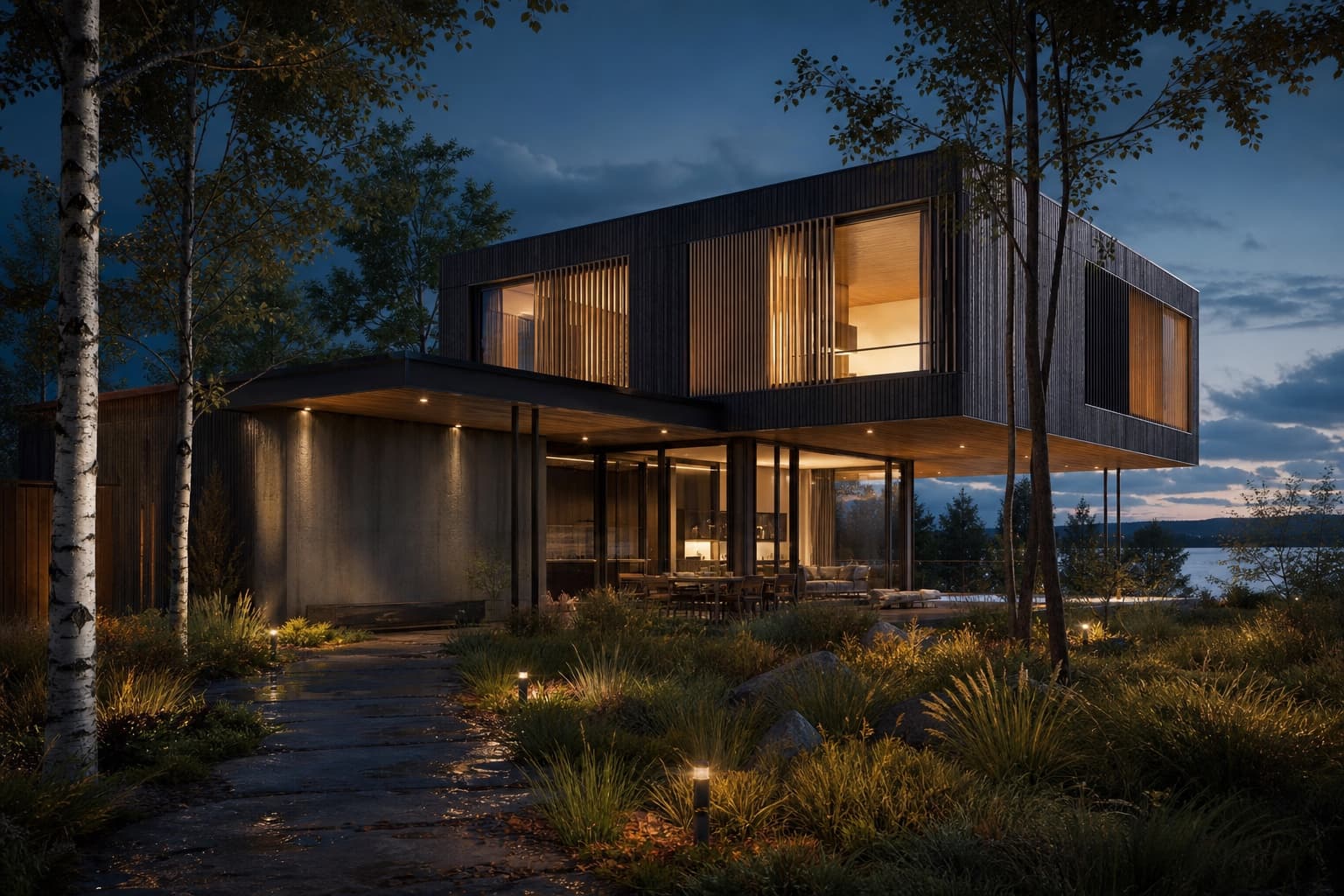
Keep the source, your instruction and the result together. Review each change before continuing.
Massing export, elevation or site photo
"Buff brick, bronze windows, birch street trees, morning light"
Generate a visualization and review it against your source
Swap materials or season, upscale the selected result
Choose the workflow around the image you need to deliver and the control your project requires.
Describe brick bonds, standing seams or weathered timber in your prompt. AI models interpret those materials; check scale, pattern and finish against your design intent.
Describe the setting and which parts should change. Use a source photograph or reference to explain site character. Inspect generated surroundings against the actual site requirements.
Render the scheme at golden hour for the cover, overcast for the planning set and dusk-lit for the marketing site — reuse one upload with a different prompt for each study.
Massing model exports (SketchUp, Rhino, Revit and others), 2D elevations, hand sketches and site photographs all work. Clear geometry and a wide enough crop give the best results.
Name the materials you want in the prompt, such as glazed white brick, a corten entrance or a zinc roof. Check the output: material identity and the extent of an edit are not guaranteed.
You can request planting, streetscape and sky changes. Review the generated context and refine it when needed. Species, scale and placement are not verified specifications.
Upscaling can enlarge a selected result; inspect the exported dimensions and details at the intended presentation size.
Upload something you are working on. Explore a direction in Studio, then refine it against your original.